
Registering for Stripe from China
2 min read
This page was translated by AI
Introduction
Some time ago, I wanted to launch an independent site overseas. I did not expect payment gateway integration to hold me up for so long. After some trial and error, I found a low-cost way to get started with Stripe registration.
Steps
1. Register with WorldFirst (skip this if you have a Hong Kong bank card)
Visit the WorldFirst website and register for a cross-border e-commerce account.
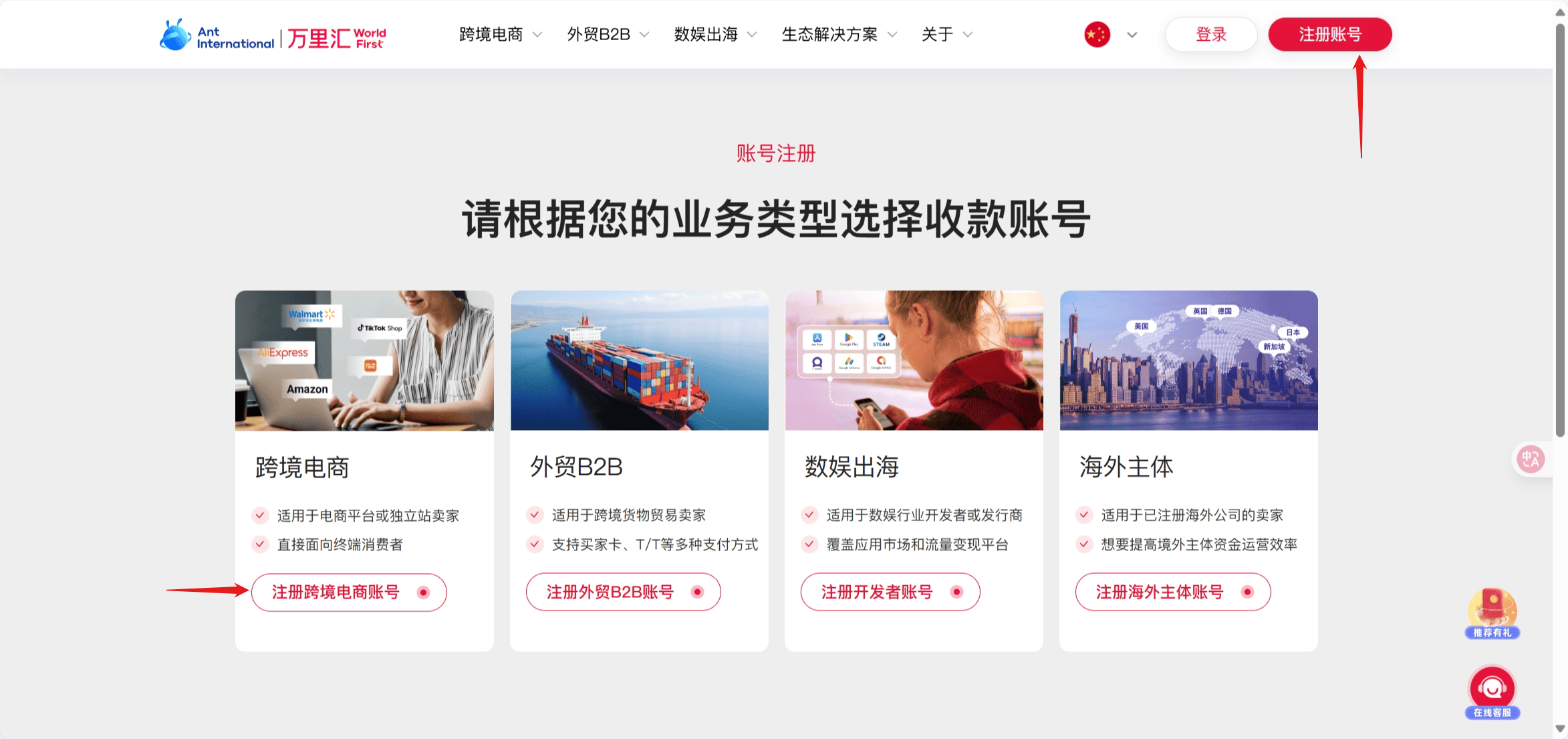
Then click “Apply for a Receiving Account.”

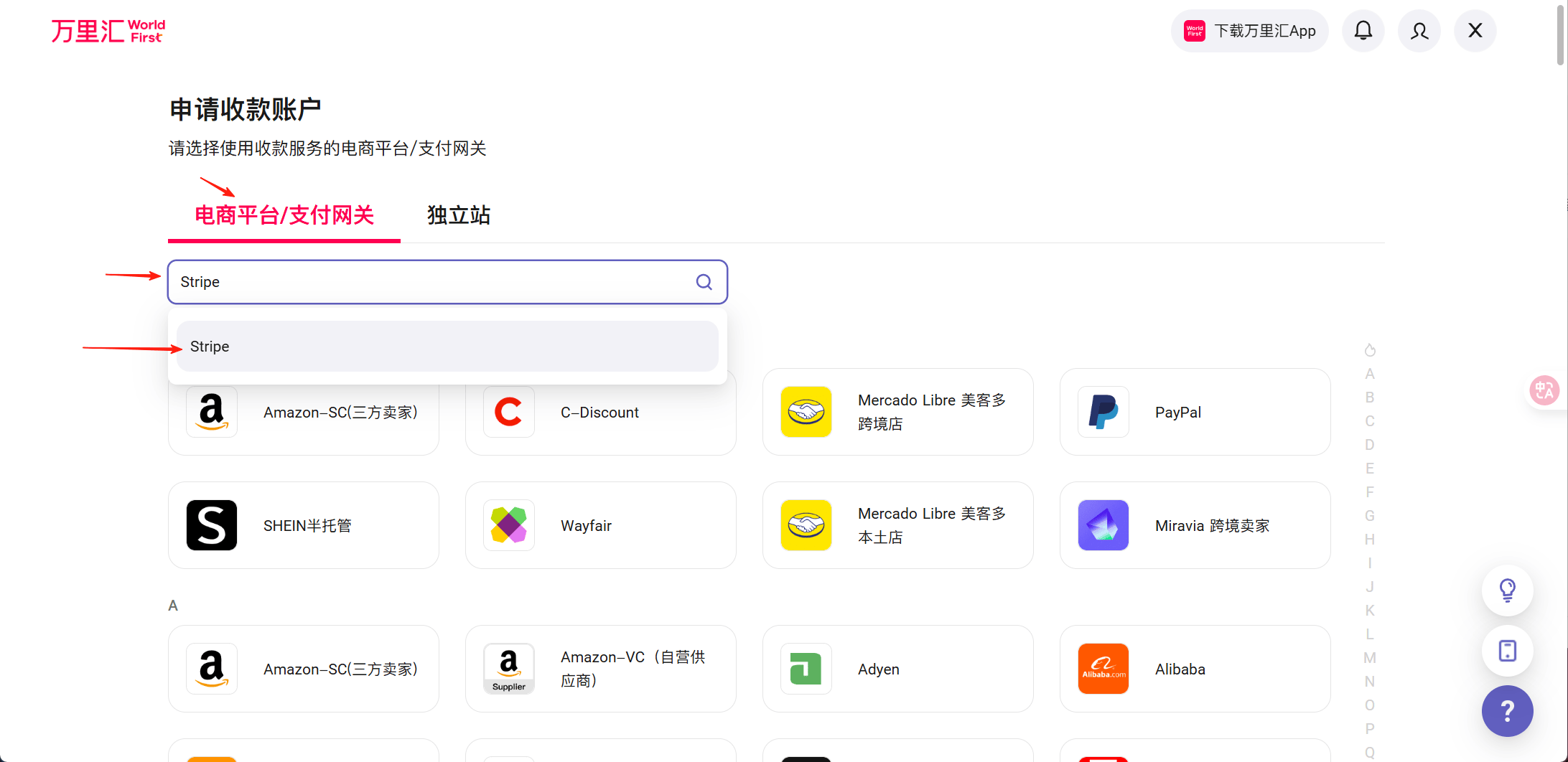
Search for Stripe and start the application.
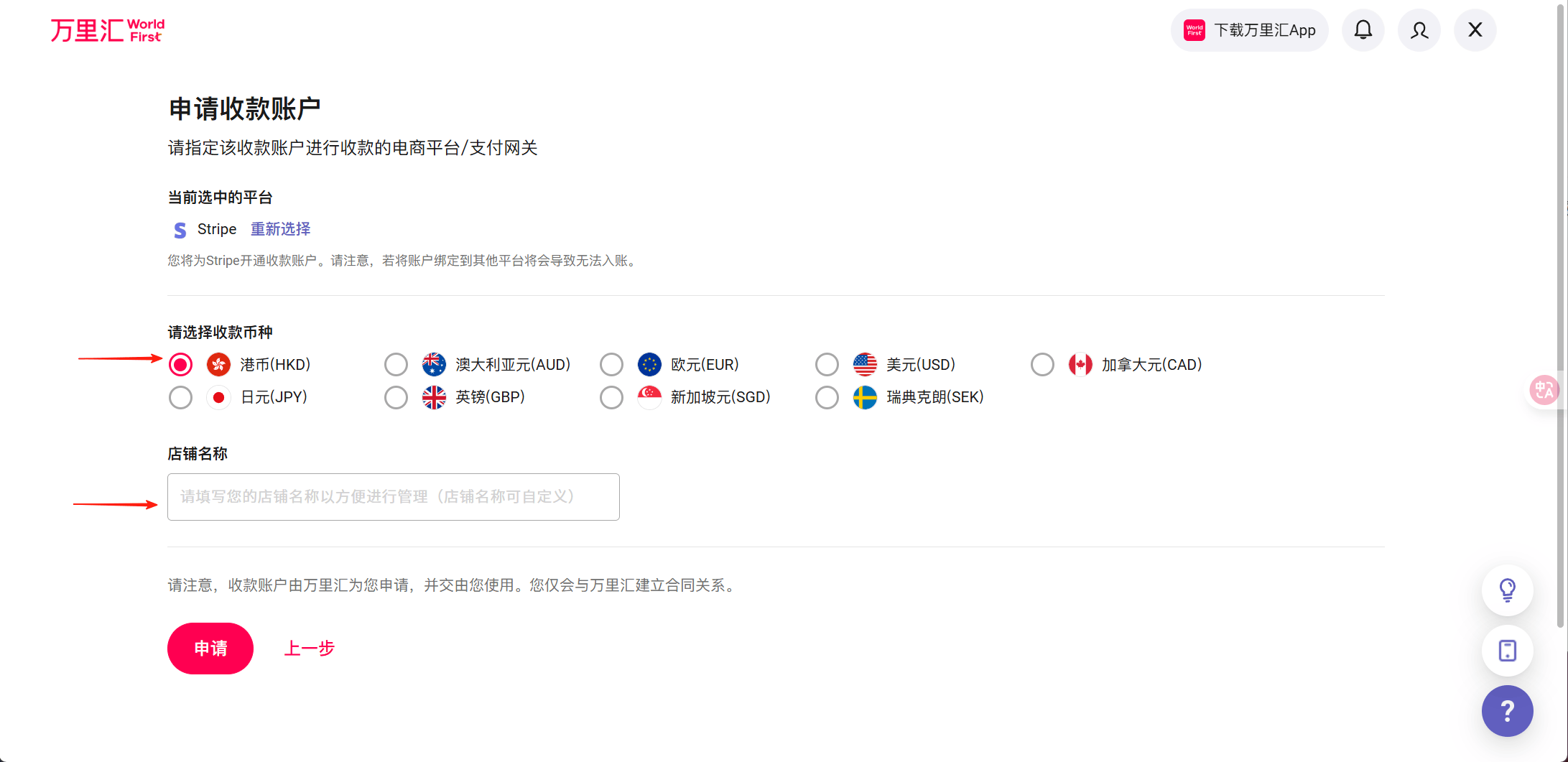
Select Hong Kong dollars and enter your store name.
If you see “Account application incomplete,” click “Submit materials.”
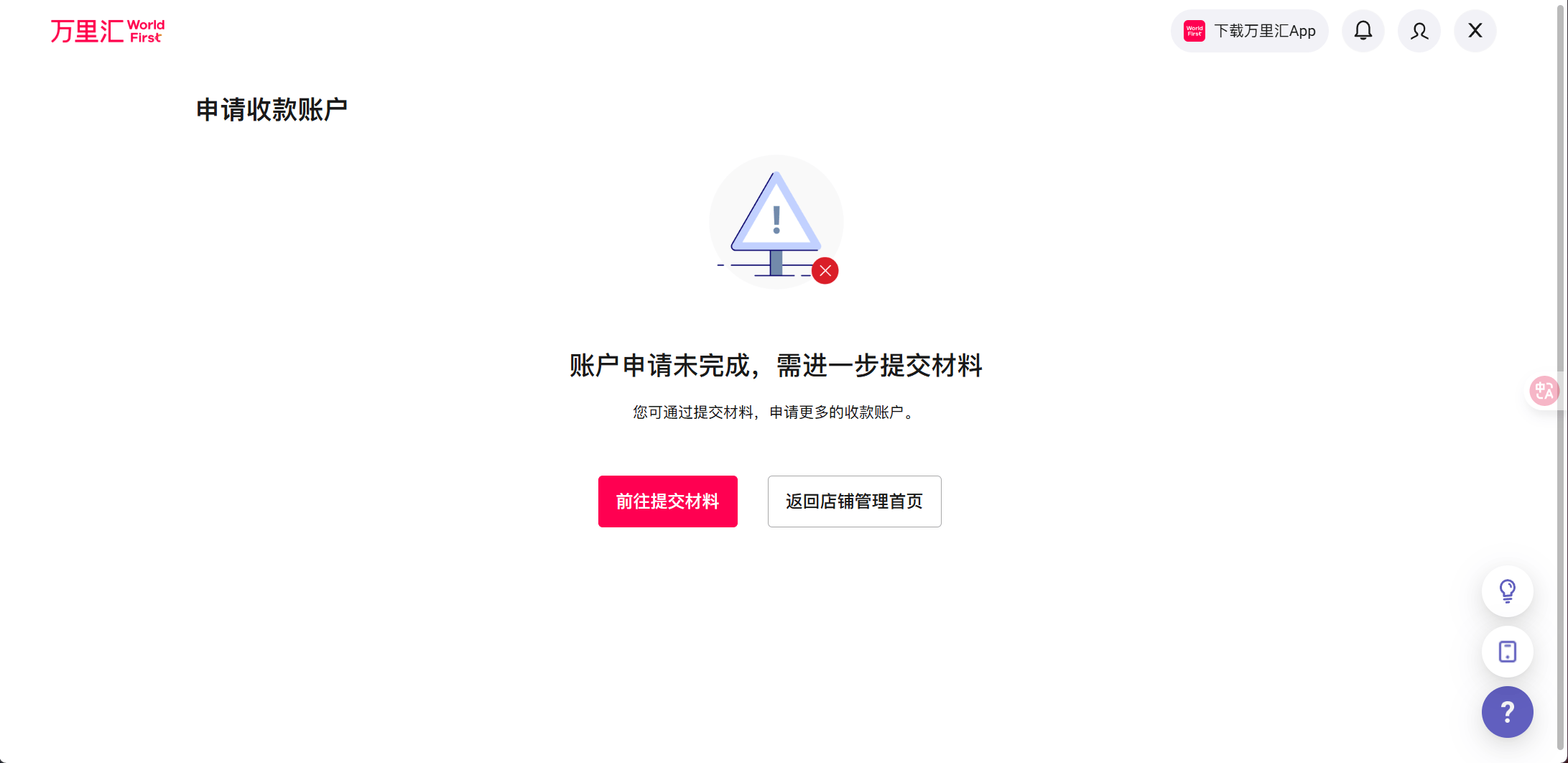
In the new window, select Stripe again and re-enter the information.
Once your store registration succeeds, you will receive a Hong Kong dollar receiving account. You will need it to register for Stripe.
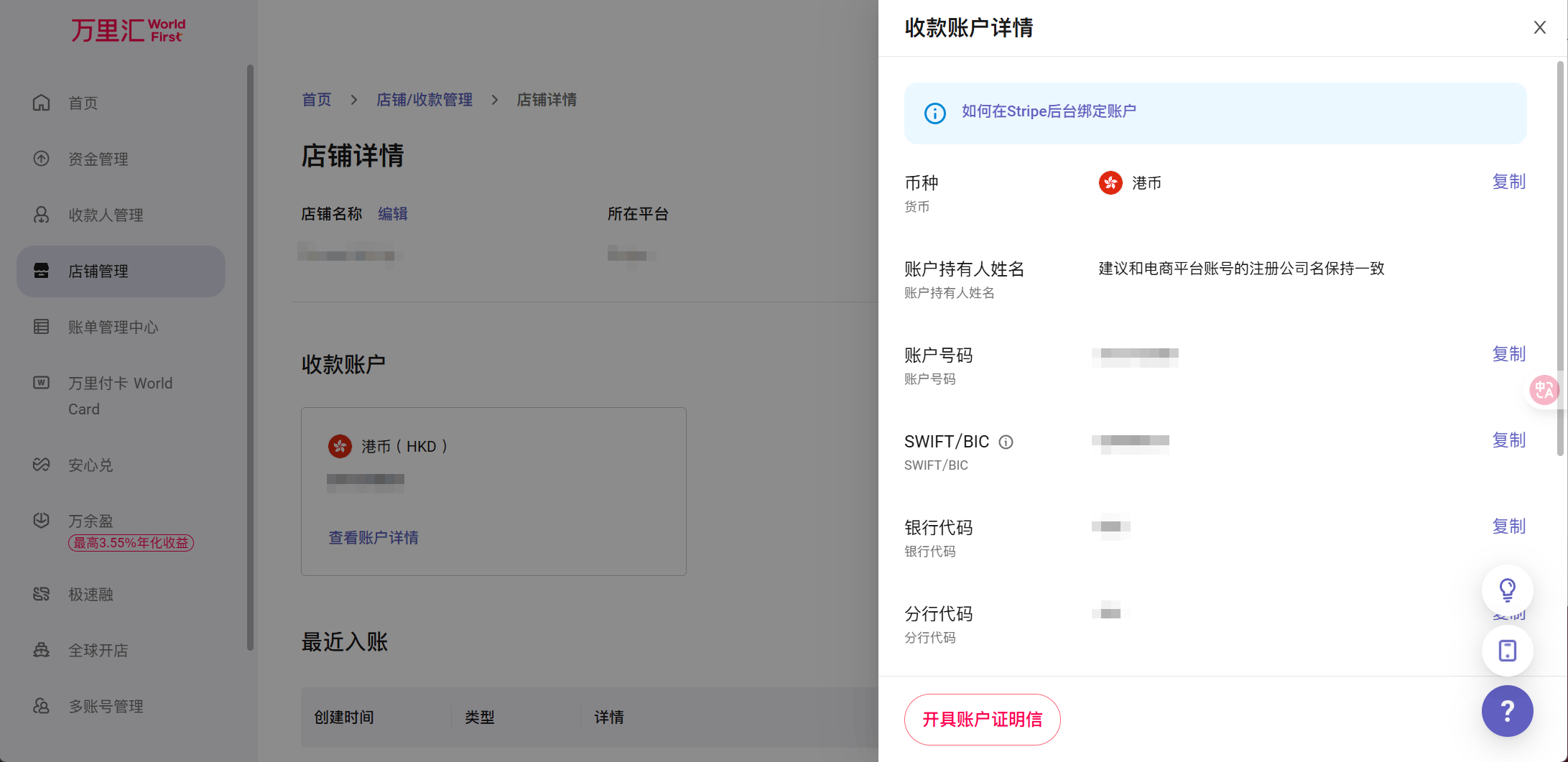
2. Register for Stripe
Sign in to Stripe and click Create account.
Choose Hong Kong, China as your region.
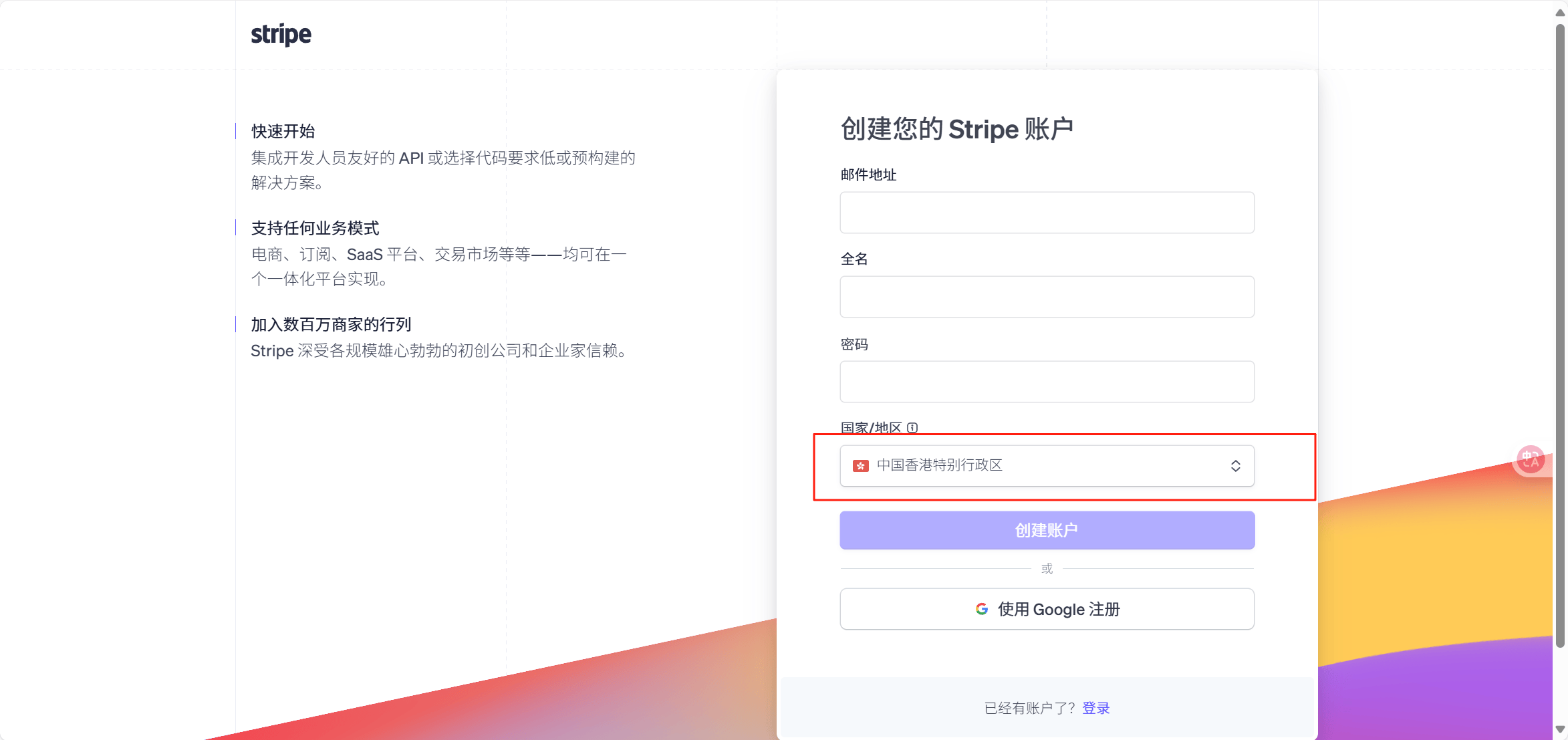
Choose Individual as the business type and enter your personal information. You can use a mainland China phone number. Enter your passport number in the Hong Kong ID field, then fill in the remaining details as usual.
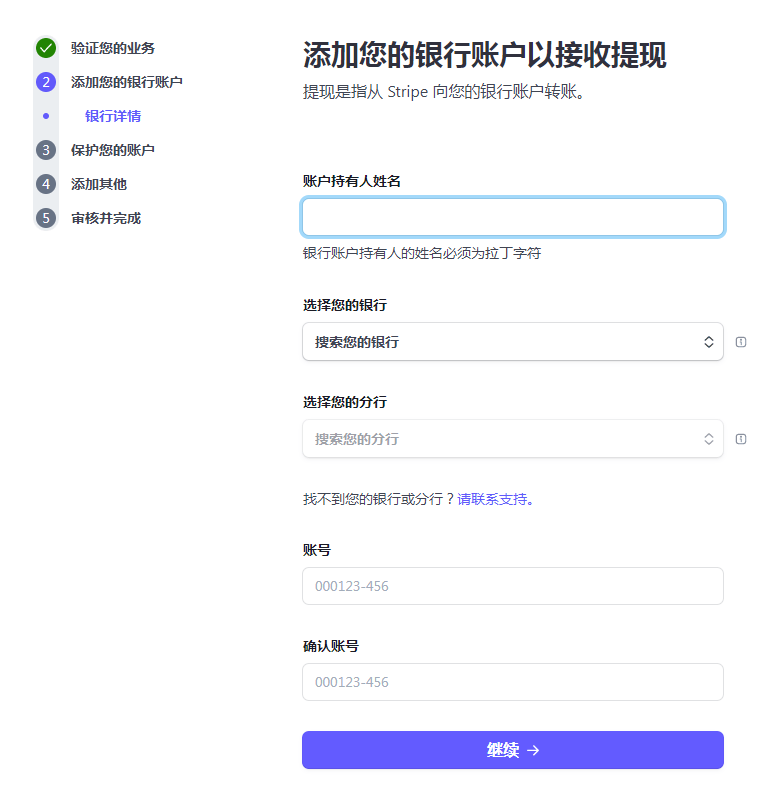
Enter your bank account details. If you are using WorldFirst, return to its website to view your receiving account information.
After completing two-step verification, return to the Stripe homepage. It should show that your account is active.
Stripe will later ask you to verify your identity again. Upload your passport at that time.
Registration is now complete.
3. Open a Hong Kong bank account
If you registered for Stripe using a WorldFirst receiving account, I strongly recommend opening your own Hong Kong bank account. Options include HSBC and Bank of China (Hong Kong).
4. Receiving payouts
-
Hong Kong bank card → Wise → Alipay
-
Exchange and settle foreign currency through your bank as usual.